
“I stopped juggling five tools. SiftSync keeps my week clear and my handoffs tighter.”
Comment Intelligence
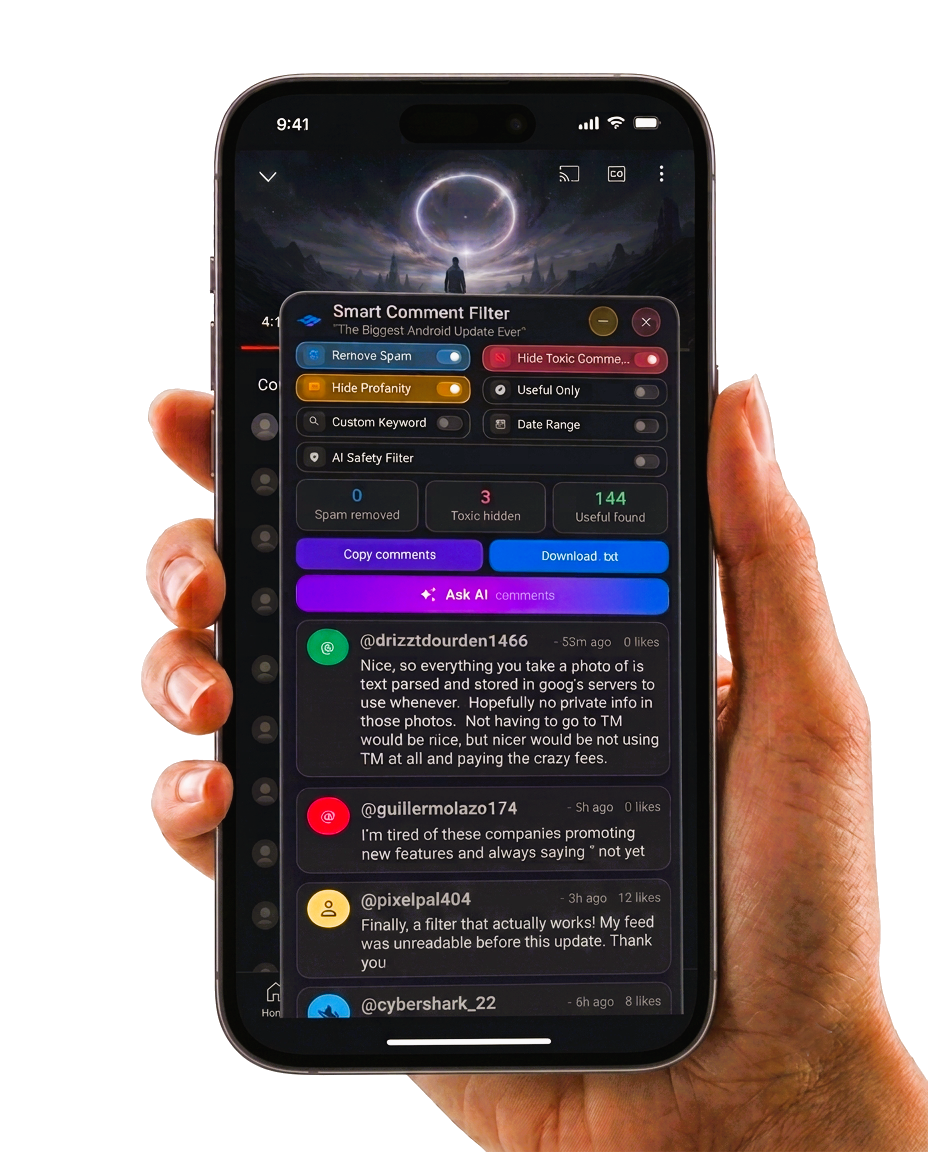
Control What You See Online
SiftSync combines smart filtering with Comment Intelligence, shielding you from toxic comments and cyberbullying while surfacing comments that actually matter.
Trusted across platforms, partners, and early recognition programs
- Platform Verified
- Security Reviewed
- Innovation Shortlist
- Partner Network Ready
- Early Adopter Favorite
Built to clear your day in minutes, not hours.
Six focused capabilities that keep capture, planning, and execution in one fast flow.
-
Smart Capture
Turn notes, tasks, and links into organized actions the second they land.
-
Focus Queue
See the next best task instantly with a queue tuned for momentum.
-
Sync Everywhere
Move from mobile to desktop without losing context, status, or speed.
-
Auto Prioritize
Signal urgency and impact automatically, so important work surfaces first.
-
Team Handoff
Pass ownership with clean context so work keeps moving between people.
-
Insight Pulse
Track progress trends at a glance and adjust before priorities drift.
Proof that feels immediate
Product value, captured in one quick scan.
Designed to keep momentum high, decisions cleaner, and daily execution more predictable across real workflows.
-
Speed signal
Faster task turnarounds
Move from capture to completion with less drag between steps.
-
Focus signal
Clear priorities at a glance
See what matters now without digging through cluttered lists.
-
Flow signal
Smoother team handoffs
Keep context intact so work advances without reset moments.
-
Consistency signal
Stronger daily momentum
Build dependable progress habits that hold under busy schedules.
How SiftSync fits your day
From incoming chaos to a focused next move in three quick passes.
SiftSync turns scattered updates into a clean sequence, so your workflow stays fast without losing context.
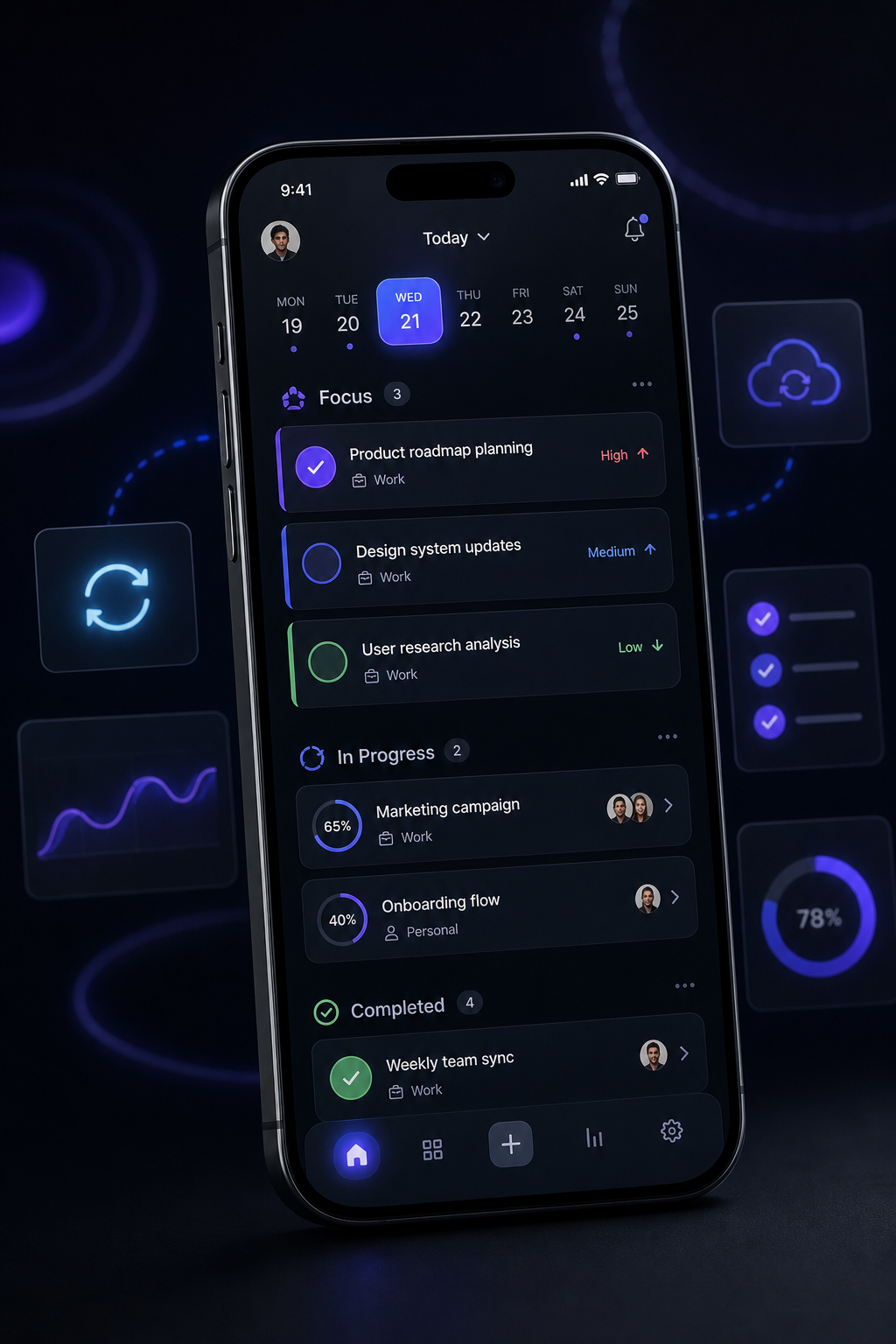
Live workflow view
Sync activeTrusted by early teams moving fast
Quick proof from people who needed cleaner execution without adding process overhead.
“The UI feels premium, but it’s practical. I get through planning in half the time now.”
“Our team adopted it in one afternoon. Everything from priorities to follow-ups got cleaner.”
Questions before you download?
Everything you need to know to get started quickly.
Clear answers to the practical details so you can decide with confidence and jump in without friction.
How fast can I get set up after downloading SiftSync?
Most people are ready in just a few minutes. Create your account, pick your starting workflow, and begin organizing right away.
Is SiftSync compatible with both iOS and Android devices?
Yes. The app experience is designed for both platforms, with a consistent interface so your workflow feels familiar wherever you use it.
Do I need a long onboarding process before it becomes useful?
Not at all. You can start with a lightweight setup and refine later, so you get immediate value without a heavy learning curve.
What kind of results should I expect in the first week?
Early users typically see faster daily planning, fewer missed tasks, and better visibility across priorities within their first few days.
Can I keep things simple if I only need core features?
Absolutely. SiftSync is built to stay clean out of the box, so you can focus on essentials and expand only when you want more depth.
Still evaluating? The fastest way to feel the difference is to try it in your real day.
Download the app